Welcome to VETbytes – your new clinical companion!
Thank you for subscribing to the VETbytes Everyday Emergencies app. We hope you’ll enjoy this revolutionary point-of-care resource. Here are some tips and a short video to help you get started:
Logging in
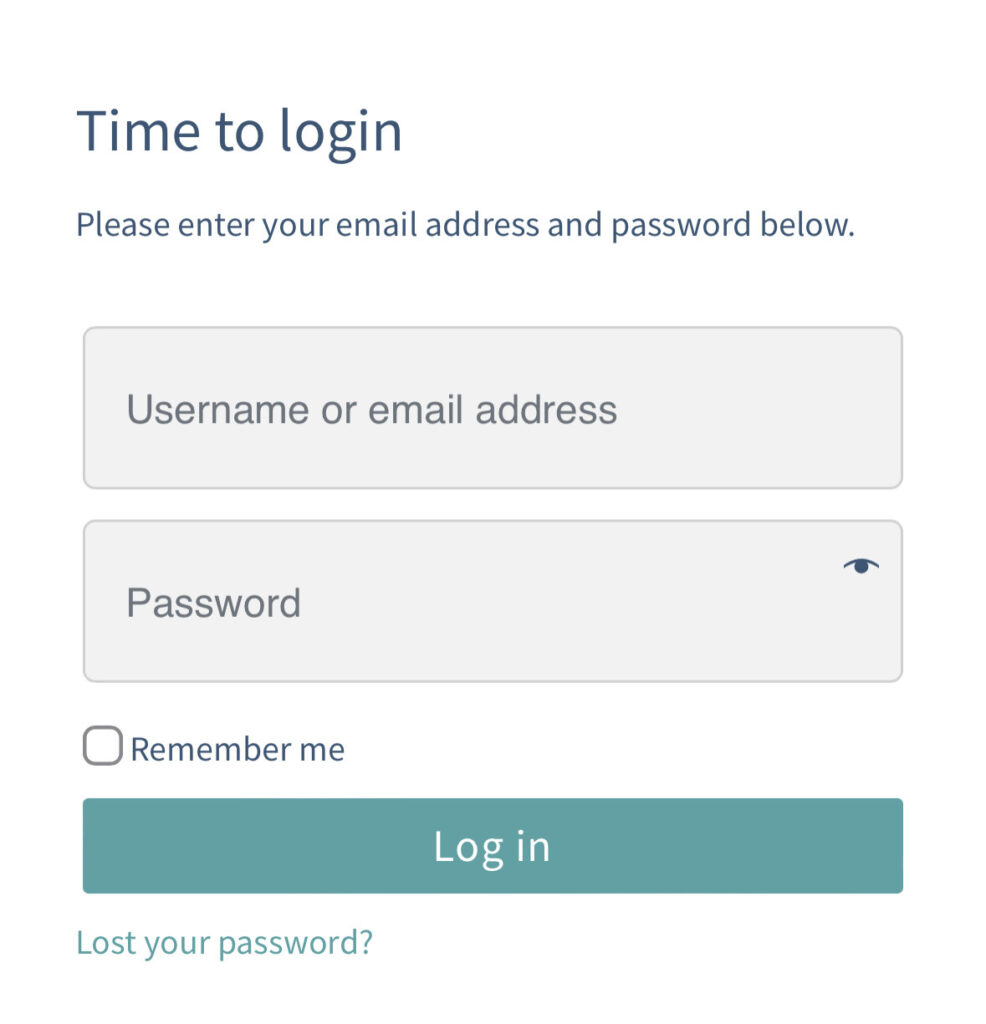
Logging in
- Log in using your username or email address and password.
- If you have forgotten your password, please use the "Forgot password" link on the same page.
Easy Access
- To ensure easy access on mobile devices, add VETbytes to your home screen.
- Then you can use Face ID for a quicker login experience. When you first log in, you will be prompted to save your credentials, allowing Face ID to automatically fill them in future sessions.
- Find out how to do this here https://vetbytes.co.uk/faq/ in the Getting Started section.
Sections of the app
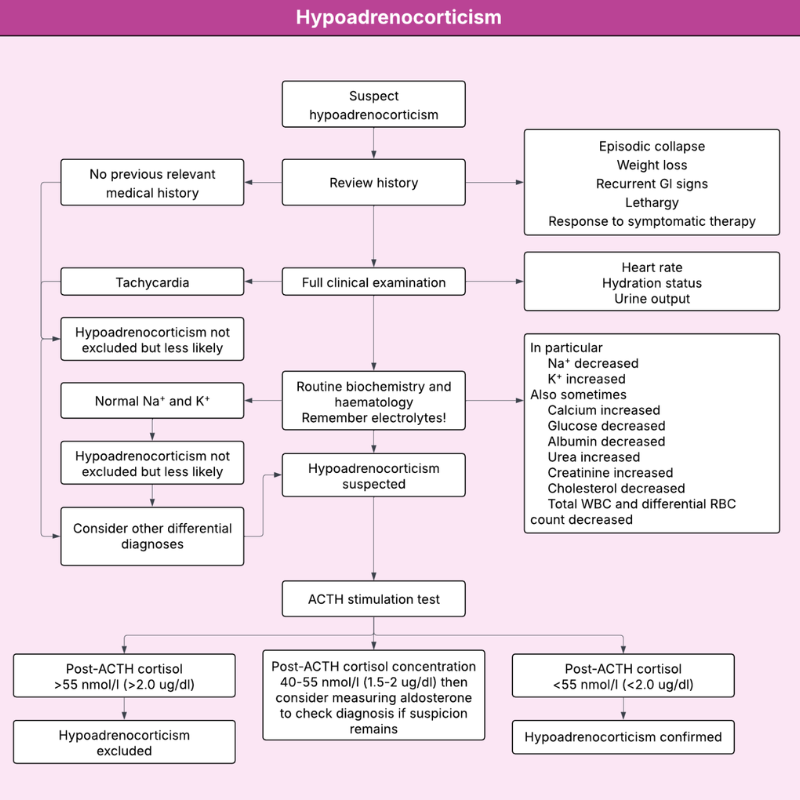
Diagnostic trees
- Unsure where to start? Our diagnostic trees and algorithms are the perfect first step when presented with an ambiguous emergency.
- TIP: Once you have established a working diagnosis, follow the direct links at the end of the tree to jump straight to the specific “Condition” page.
- You can access this section directly from the main menu bar.
BENEFIT: A reliable step-by-step guide to help you reach a specific diagnosis effectively.

Conditions
- VETbytes conditions are available in two layers for maximum workflow efficiency.
- The KISS Layer: This is the default view, identified by the K.I.S.S. icon and blue bars. It contains only the "must-have" information you need at the point of care.
- The CPD Layer: Identified by green bars, contains more detailed information for a deeper understanding and reflective learning.
- Switch between these views by clicking the expand all button at the top of the page or by clicking the drop down icon next to the KISS symbol on each section.
- TIP: Short on time? Read the “Key Points” section before entering the consult room.
- You can access this section directly from the main menu bar.
BENEFIT: Easy access to trusted information enables fast, confident decision-making and improved patient outcomes.
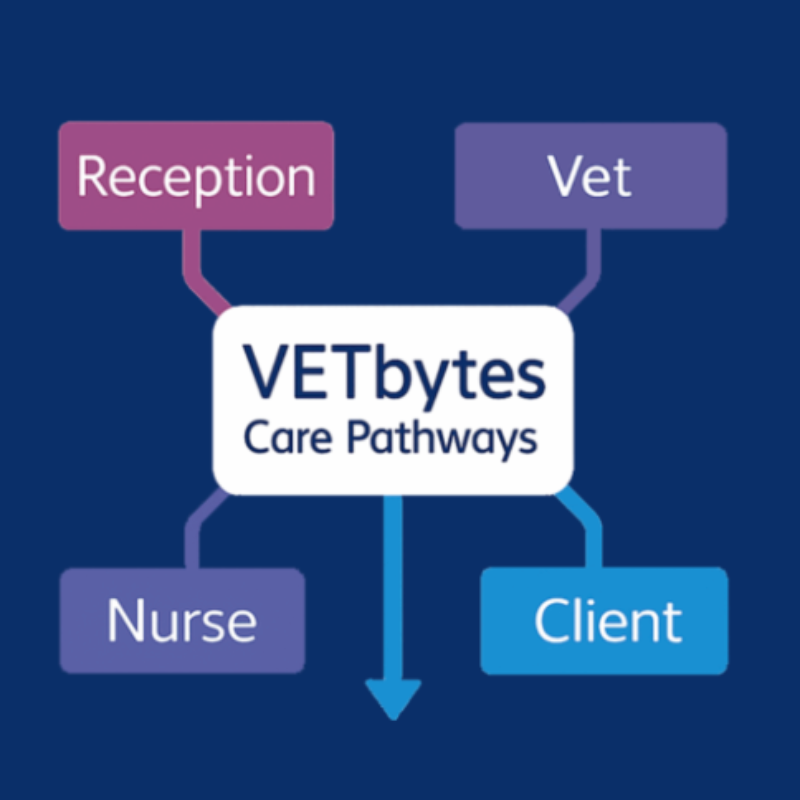
Care pathways
- Our Integrated Care Pathways provide a unique, team-based approach to emergency care.
- Each Care Pathway provides clear, role-specific guidance for receptionists, nurses, vets and clients.
- Look for the button on the title bar of a condition to see if a care pathway is available.
- Look out for many more care pathways coming to the site over the next 6 months.
- You can be assured that all the information in the care pathways is taken from our double peer-reviewed and evidence-based conditions.
BENEFIT: They help teams deliver faster, safer and more consistent emergency care.
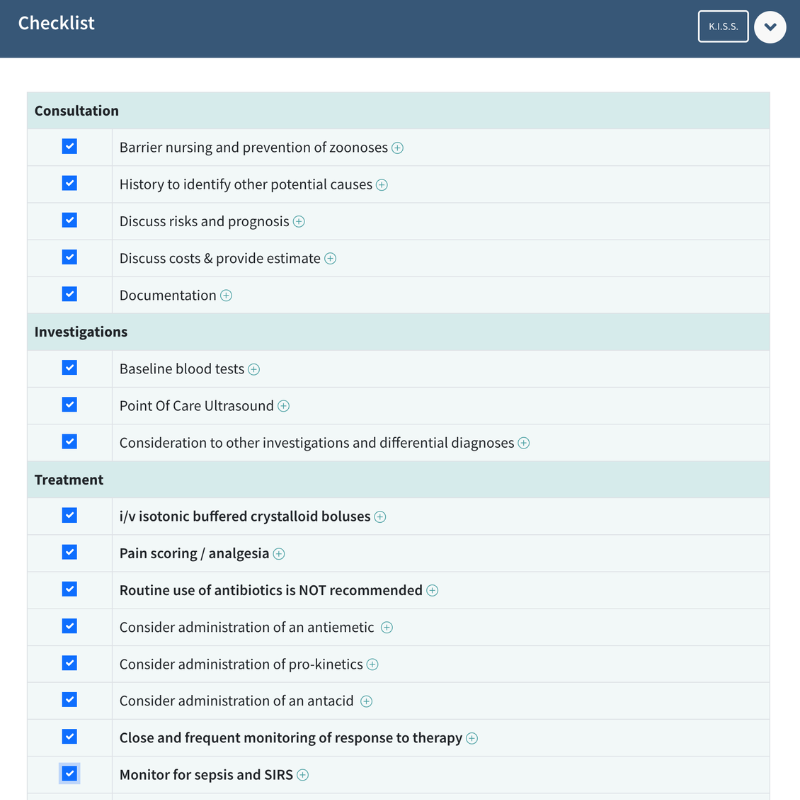
Checklists
- Like our conditions, checklists are presented in two layers to cater to all levels of expertise.
- Just need a reminder - the default view is clear and rapid.
- Need a little more guidance - Click the (+) symbol on specific checklist points to reveal more details, including indications and risks or use the expand all button on the header bar to show the comprehensive checklist.
- Checklists can be downloaded with personalisation to be attached to the patients records.
- Look for the button on the title bar of a condition to see if a checklist is available.
- TIP Teamwork: Checklists are most effective when called out loud and used collaboratively.
- TIP Avoid Errors: Read the Warning Section at the start of each checklist.
BENEFIT: Proven to reduce errors of omission and improve communication within healthcare teams.
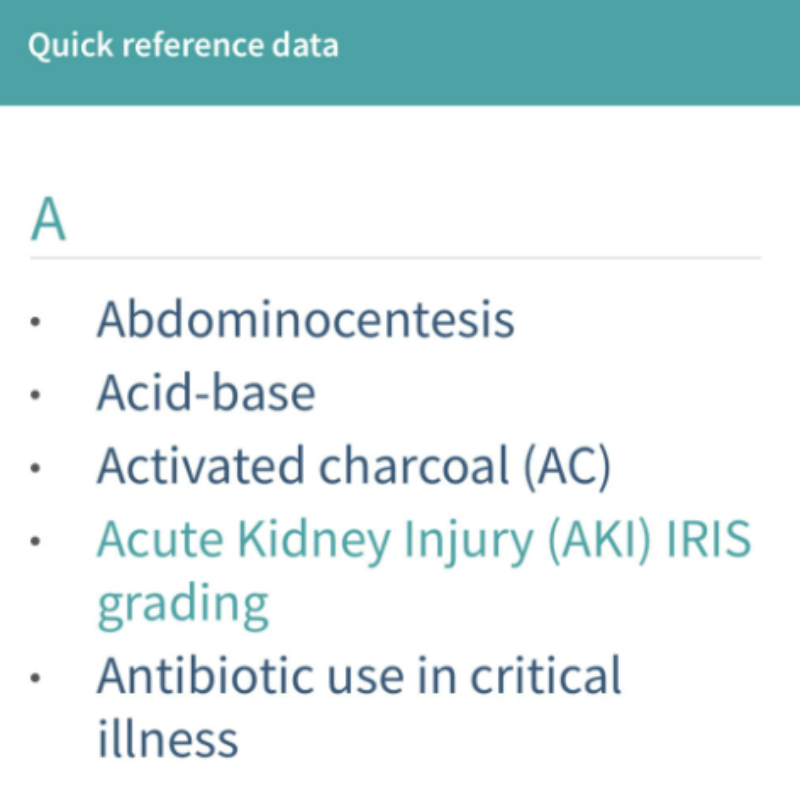
Quick Reference Data
- Reduce cognitive load, use our QRD pages for those hard-to-remember clinical values.
- You can access this section directly from the main menu bar.
BENEFIT: Rapid access to essential clinical values for quicker, safer decision-making.
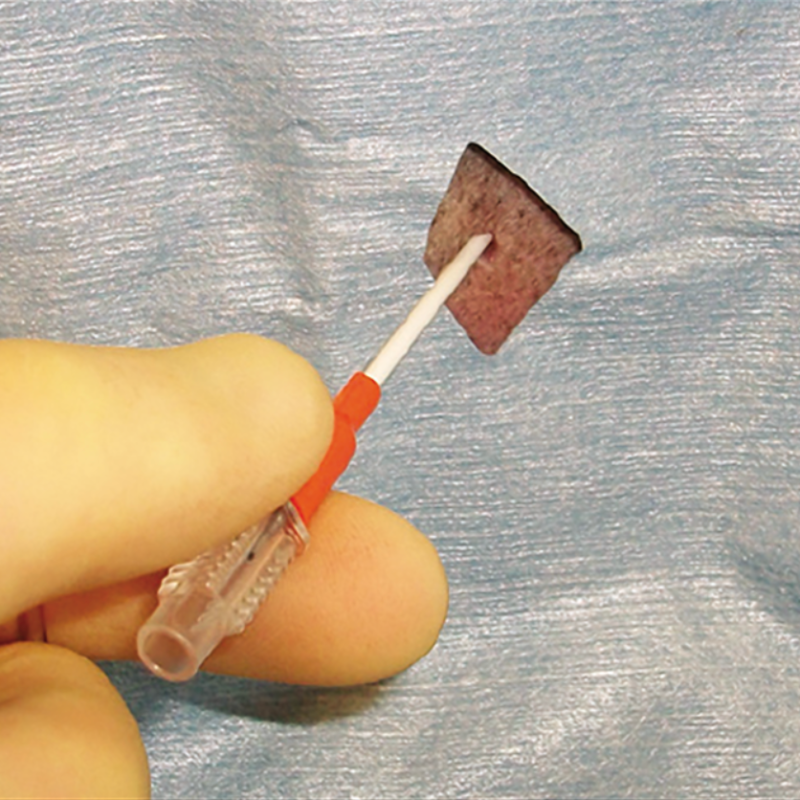
Emergency Procedures & Operative Techniques
- This section provides your team with step-by-step, evidence-based guidance for essential emergency interventions.
- Each procedure is laid out in a clear, practical format to support confidence and safety.
- You can access this section directly from the main menu bar.
BENEFIT: Acts as your digital clinical companion, guiding you through unfamiliar procedures even when senior support isn't available.
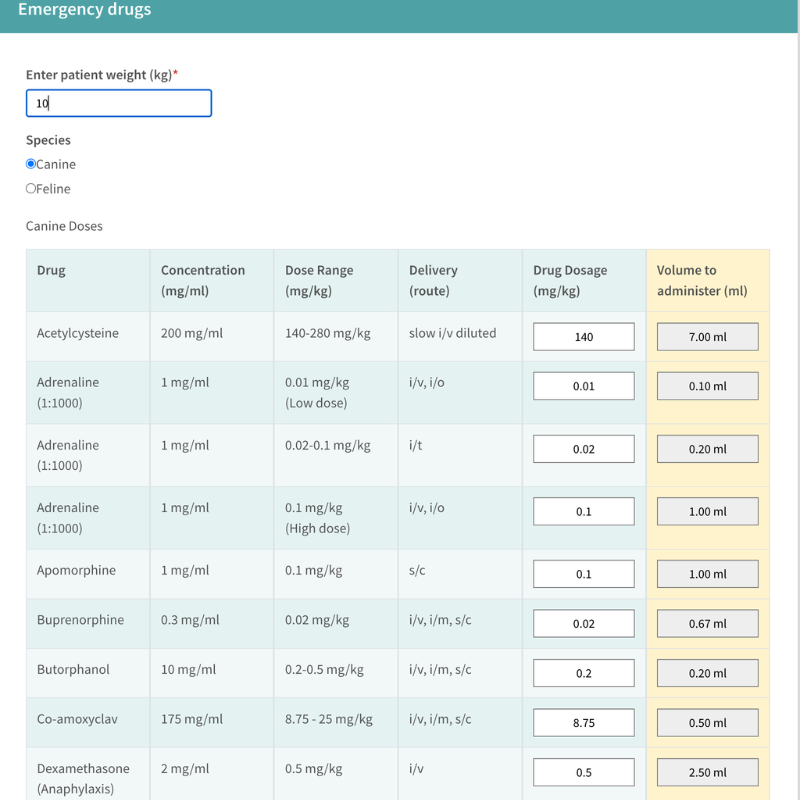
Calculators
- Forget the mental maths, we provide built-in calculators for the emergency drugs used throughout the app.
- Safety First: All calculators default to the lowest recommended dose.
- Smart Alerts: An alert will trigger if you exceed the recommended dose range for that species.
- You can access this section directly from the main menu bar.
BENEFIT: Using calculators can save time and prevent errors.
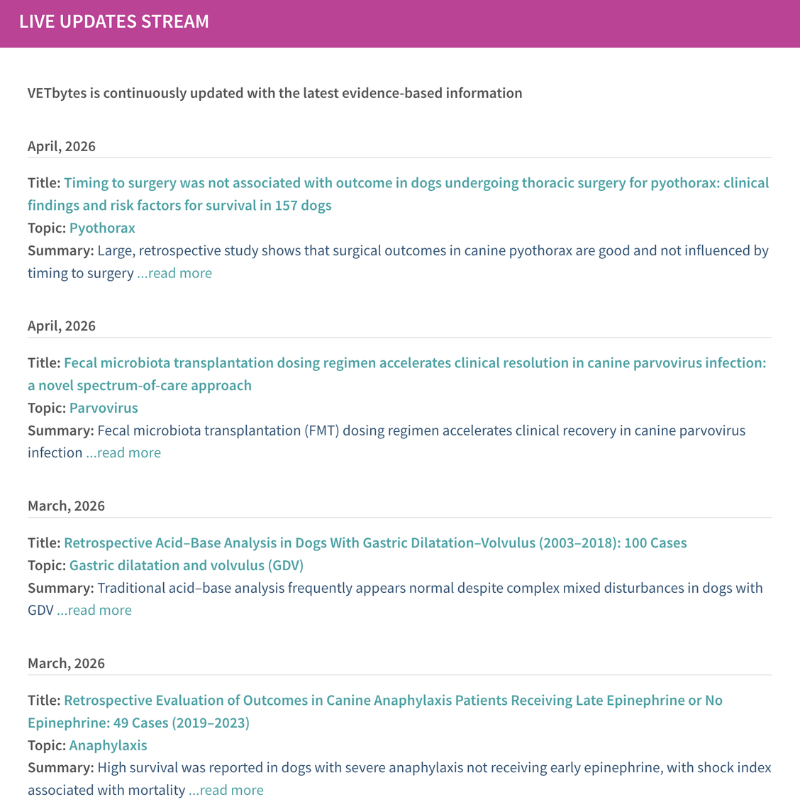
Latest Updates
- We provide a livestream of the latest updates and summaries of the most impactful papers.
- TIP : Use “Updates by Specialty” to find research relevant to your specific interests.
- TIP : Use our ready-made updates as the basis for Journal Clubs.
- You can access this section directly from the main menu bar.
BENEFIT: Practice with confidence knowing you are providing the most current, effective care available.

Client Information
- Our Client Information Sheets provide clear, evidence-based guidance to support home care.
- Look for the link in the title bar of a condition to see if a Client Information Sheet is available.
BENEFIT: Empowers your team to deliver consistent, professional client communication and coordinated care.
Navigation
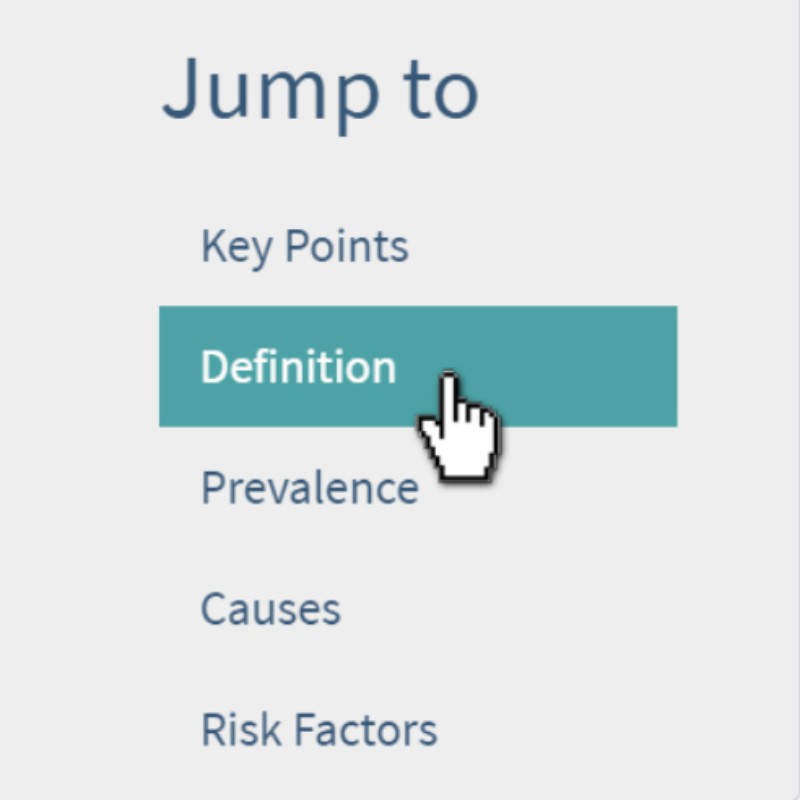
Navigation tips
- Search: Use the magnifying glass icon to search the entire app.
- Filter: Use the A-Z menu or "Filter Conditions" box.
- Jump-To: Use the menu on the left to skip directly to specific sections.
- Back to Top: Use the button at the bottom of the page to reset your view.
BENEFIT: “By streamlining our services for quicker and easier decision-making, we can save time. Efficient practice is more profitable.” (RCVS)
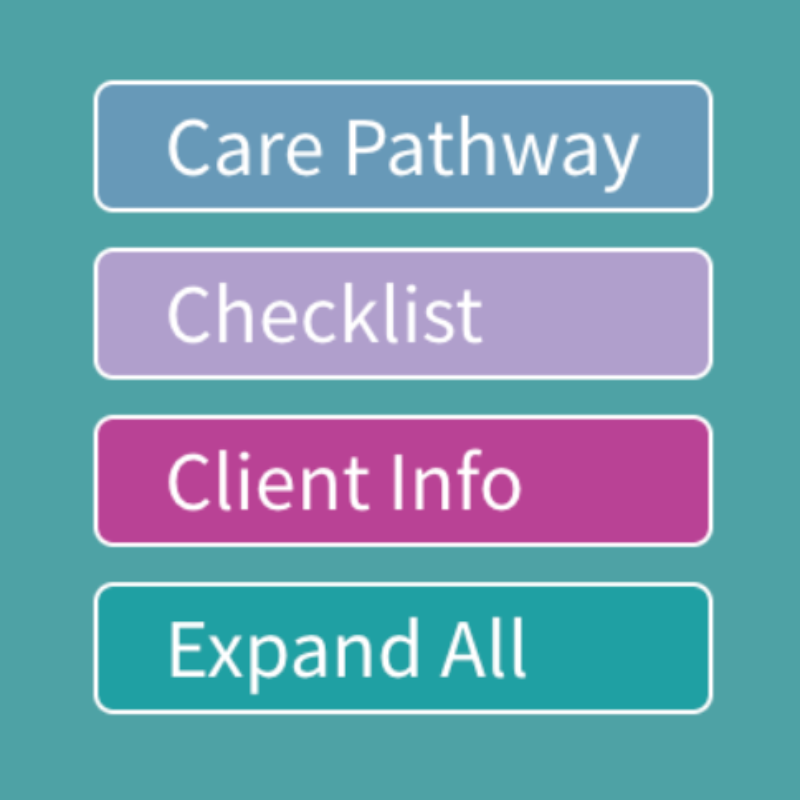
Choose your view
- On the conditions pages, you can choose how you would like your information presented.
- Choose between Care Pathway, Checklists, Client Info or Expand All using the buttons on the header bar.
- TIP: The buttons will only be visible if there is a Care Pathway, Checklist or Client Info sheet available for that condition.
BENEFIT: Align VETbytes with your preferred approach.
Additional features
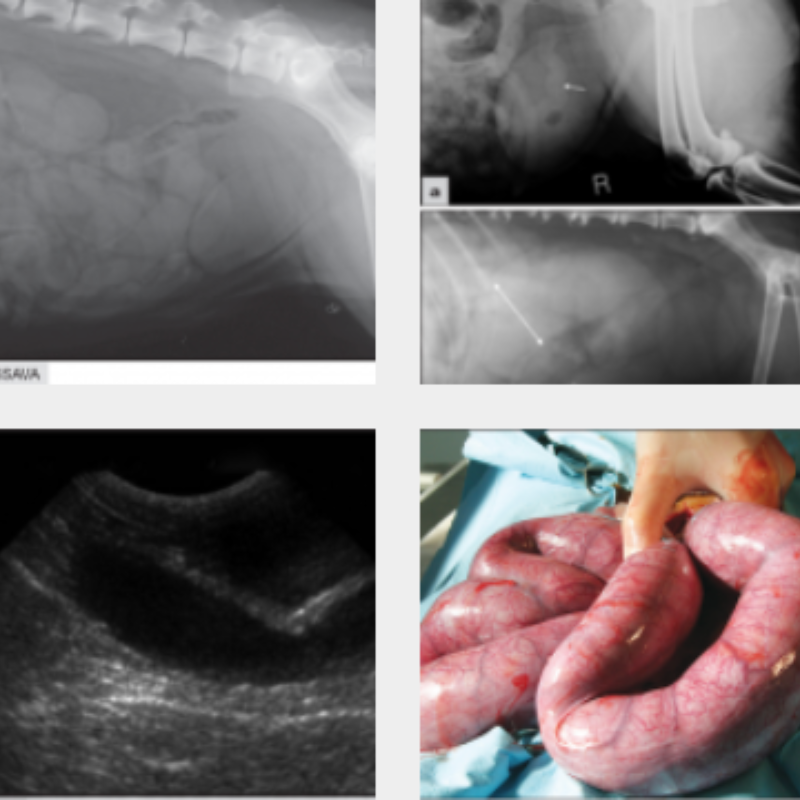
Images
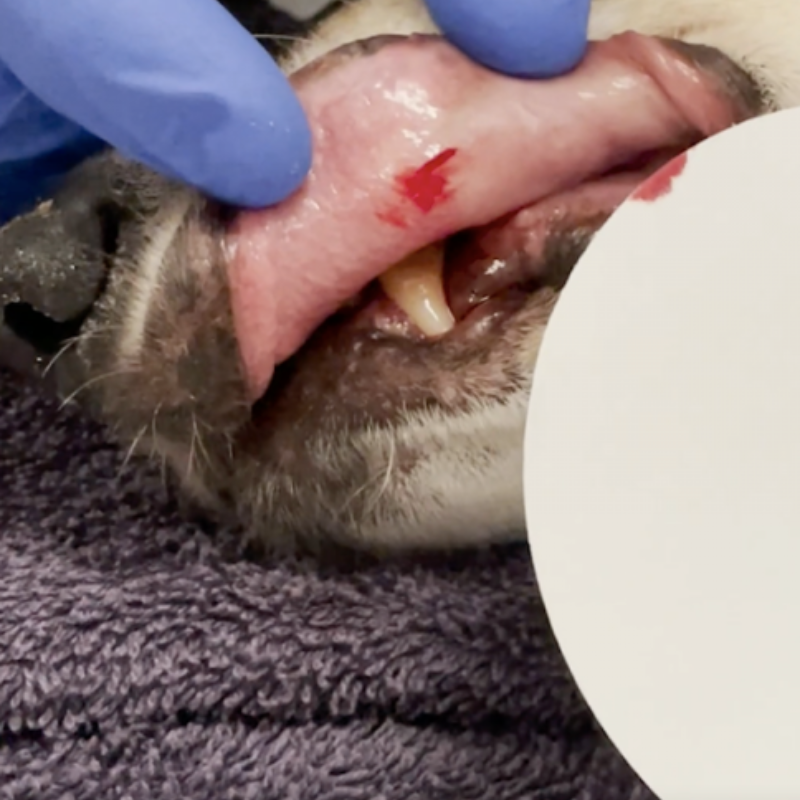
- VETbytes contains a library of hundreds of clinical images to support your diagnosis.
- Images are embedded into the CPD layer of each condition but can be accessed via the thumbnails on the left.
- TIP: Click on any thumbnail image to enlarge the view.
BENEFIT: Visually compare your patient’s presentation with our library to confirm your clinical interpretation.
Videos
- Our videos offer practical, step-by-step demonstrations of common diagnostic and therapeutic procedures.
- They can be found embedded in the Emergency procedures and operative techniques section.
BENEFIT: Watch and learn exactly how to perform clinical procedures, even if you have never done them before.

Warning symbols
- We use distinct warning symbols throughout the app to alert you to specific dangers and contraindications.
- TIP: Even if you don't read every word, scan the page for these symbols to catch potential errors before they happen.
BENEFIT: Reduces errors, improves outcomes, and mitigates risk.
Communication
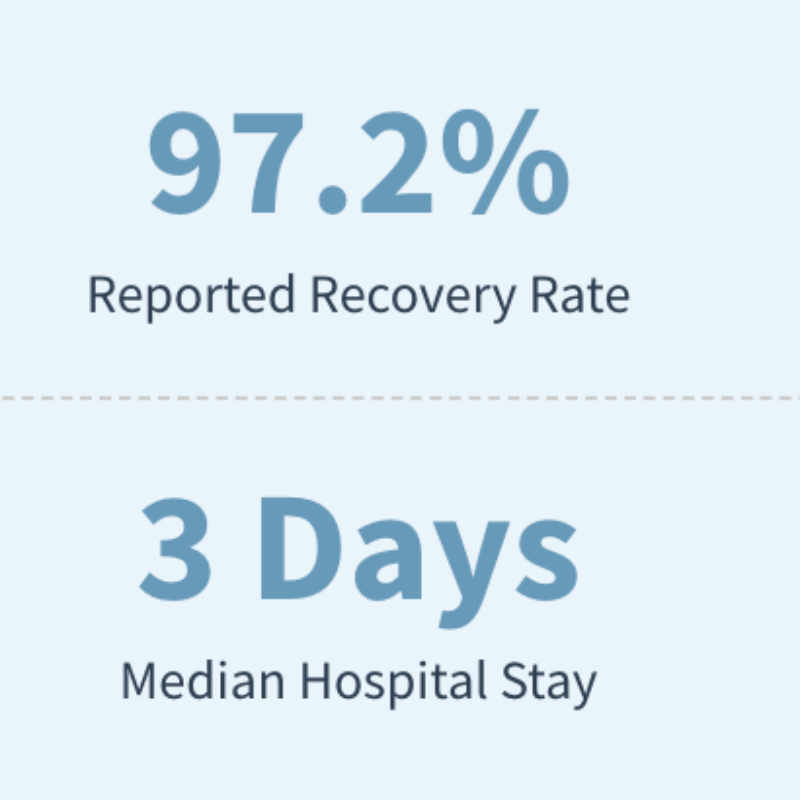
- VETbytes provides evidence-based statistics for prognoses, complication rates and median hospital stays.
- TIP: Use this data to support contextualised care, create accurate estimates and manage client expectations.
BENEFIT: Data-backed communication improves clinician confidence, encourages shared decision-making, and reduces the risk of complaints.
Why VETbytes
Trusted Content
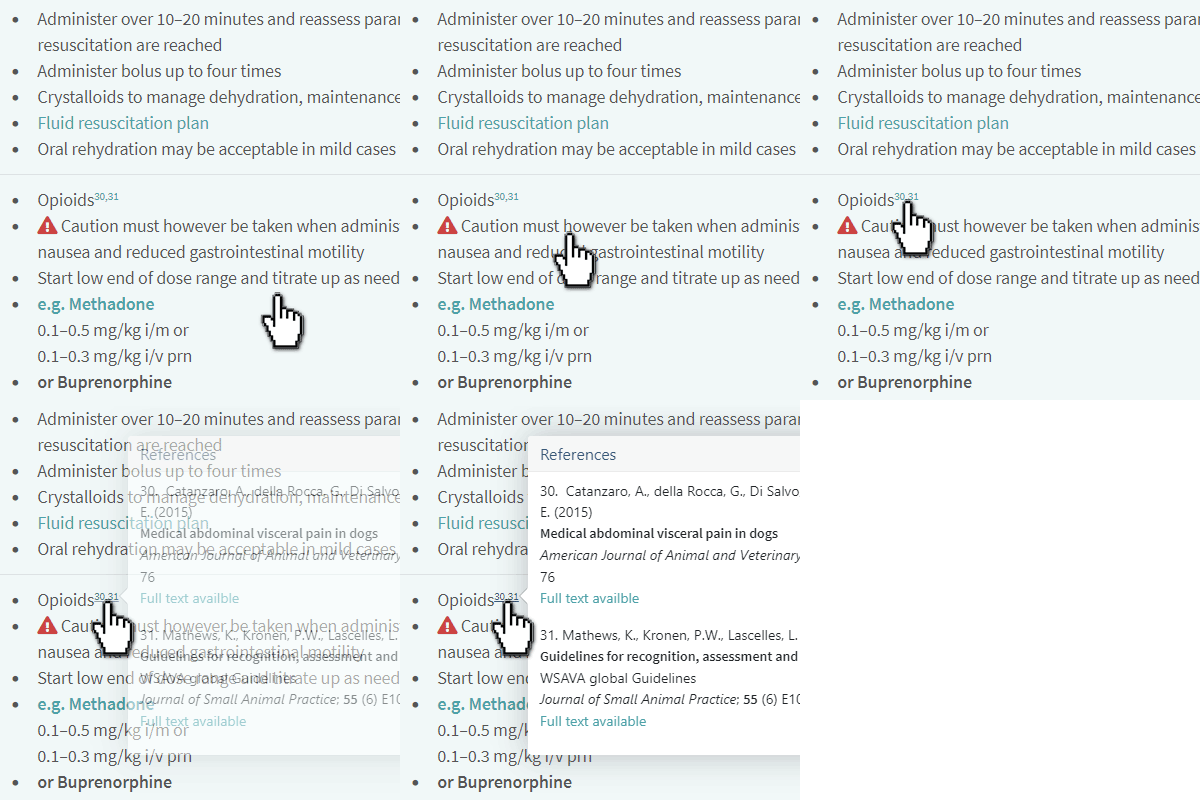
- All VETbytes content is evidence-based, evidence-transparent and double peer-reviewed.
- References: We link to abstracts (and full texts) to support your further learning.
- Contributors: See who reviewed a topic by clicking the “Contributors” bar at the bottom of any page.
BENEFIT: “When rigorous research underpins medical decisions, adverse events can be minimised and patient outcomes can be improved.” (RCVS)